Choose the right device for Bristol Maps on the water. Whether you prefer iPad, Android, or a rugged purpose-built tablet, we have you covered.
Bristol Maps runs on iOS and Android. Here are our top recommendations for getting the best experience on the water.
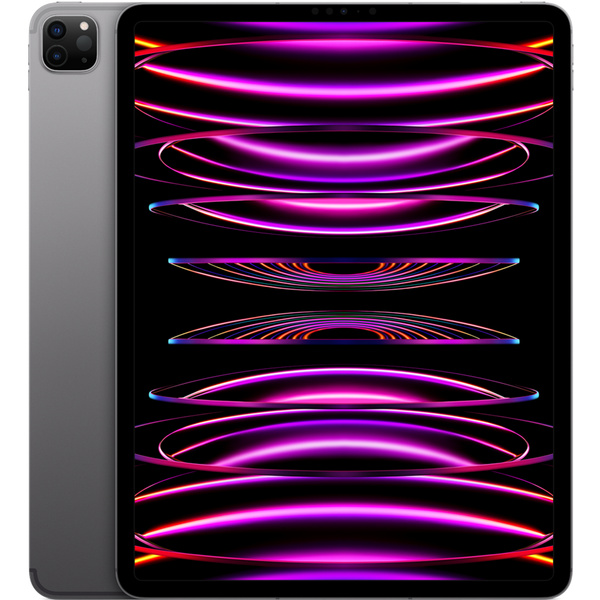
Our primary recommendation for most fishermen. The iPad delivers a large, high-quality display with a familiar interface. The cellular model is essential because it includes a built-in GPS receiver.
| Recommended | iPad Air Gen 4 or newer (2020+) |
| Model Type | Cellular (not WiFi-only) |
| Why Cellular | Built-in GPS — works without cell plan |
| Budget Option | Refurbished iPads work great |
Standard iPads top out around 500–600 nits, which can be hard to read in direct sunlight. If brightness matters, consider an iPad Pro:
At 1,000 nits, the iPad Pro is significantly more readable in sunlight than standard iPads, though still below the 2,600 nits offered by rugged tablets.
iPad Pro 13" on Amazon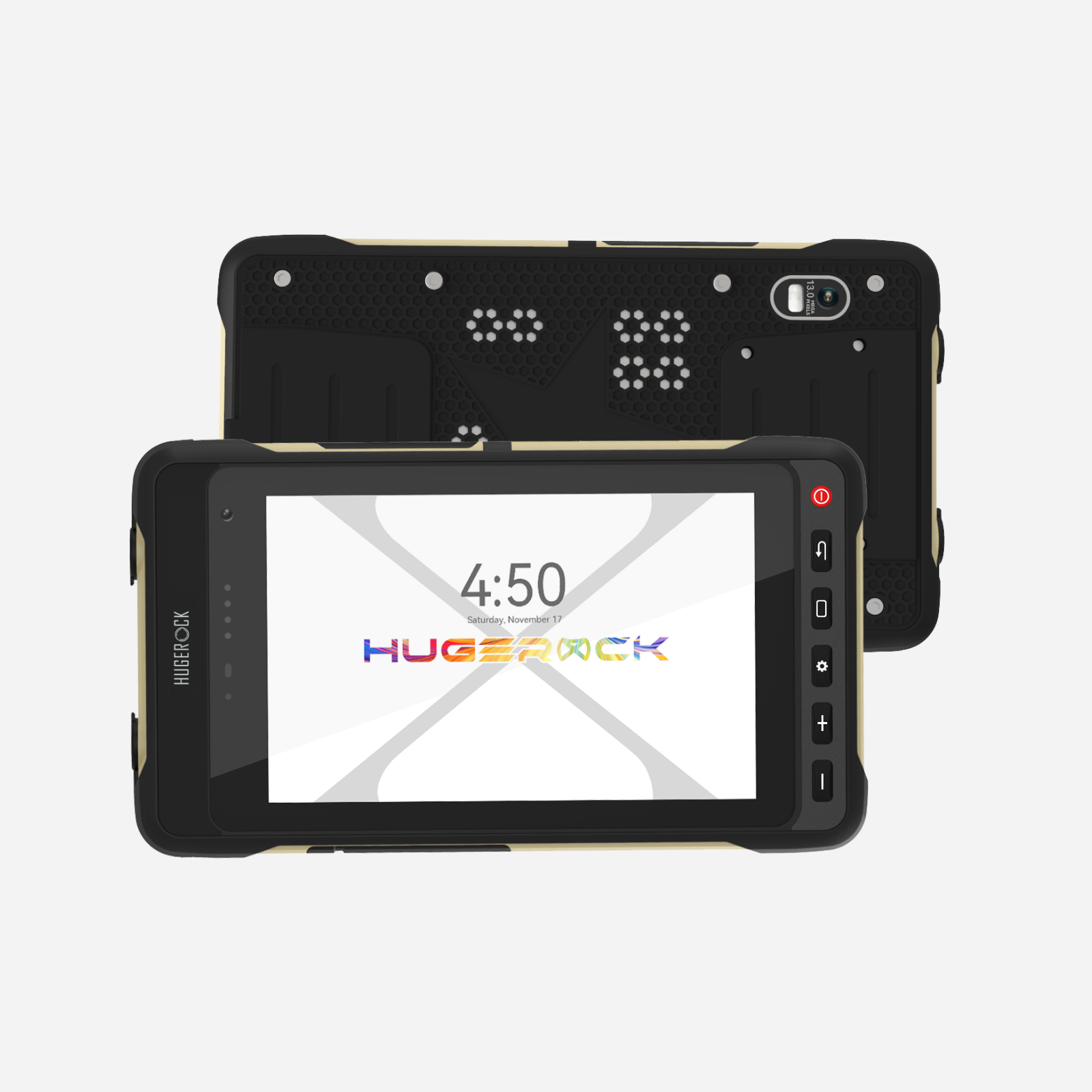
Purpose-built for harsh outdoor conditions. The Hugerock X70 and X72 feature an ultra-bright 2,600-nit display that is easily readable in direct sunlight — even on the brightest days.
| Models | Hugerock X70 (7") / X72 (larger) |
| Brightness | 2,600 nits (vs ~600 on iPads) |
| Power | 12V input from boat electrical |
| Durability | IP-rated, drop resistant |
Starlink no longer supports sharing GPS location with devices on its network, so Bristol Maps can no longer use the Starlink router as a GPS source. If you relied on Starlink for position data, we recommend using a device with built-in GPS — a cellular iPad or a Hugerock tablet.
If you already own a WiFi-only iPad and don't want to replace it, an external GPS receiver can be a stopgap to get another season out of your current device. However, some users have found external receivers to be unreliable, so we recommend using a device with GPS integrated — a cellular iPad or a Hugerock tablet — whenever possible.
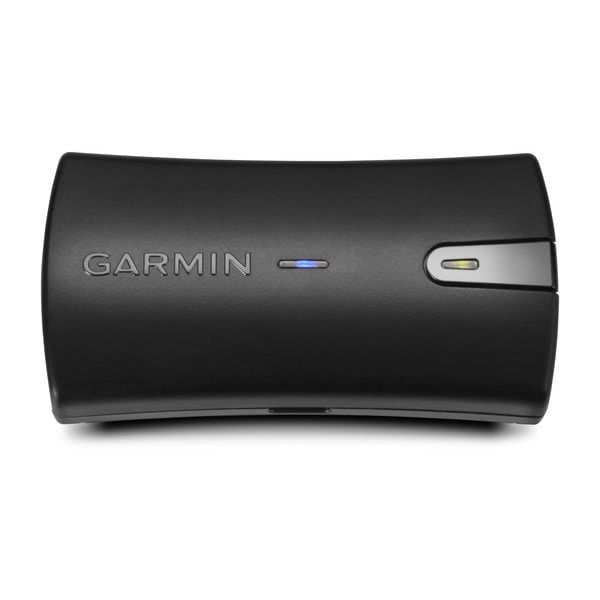
Our recommended external GPS receiver. Connects wirelessly to your iPad over Bluetooth with a compact, rechargeable design. Place it near a window and your iPad will receive accurate GPS coordinates.
| Connection | Bluetooth (wireless) |
| Power | Rechargeable battery (up to 13 hrs) |
| Placement | Near a window for best signal |
| Compatible | iPad, iPhone, Android (WiFi models) |
A solid mount keeps your device secure in rough water and positions it where you need it most.
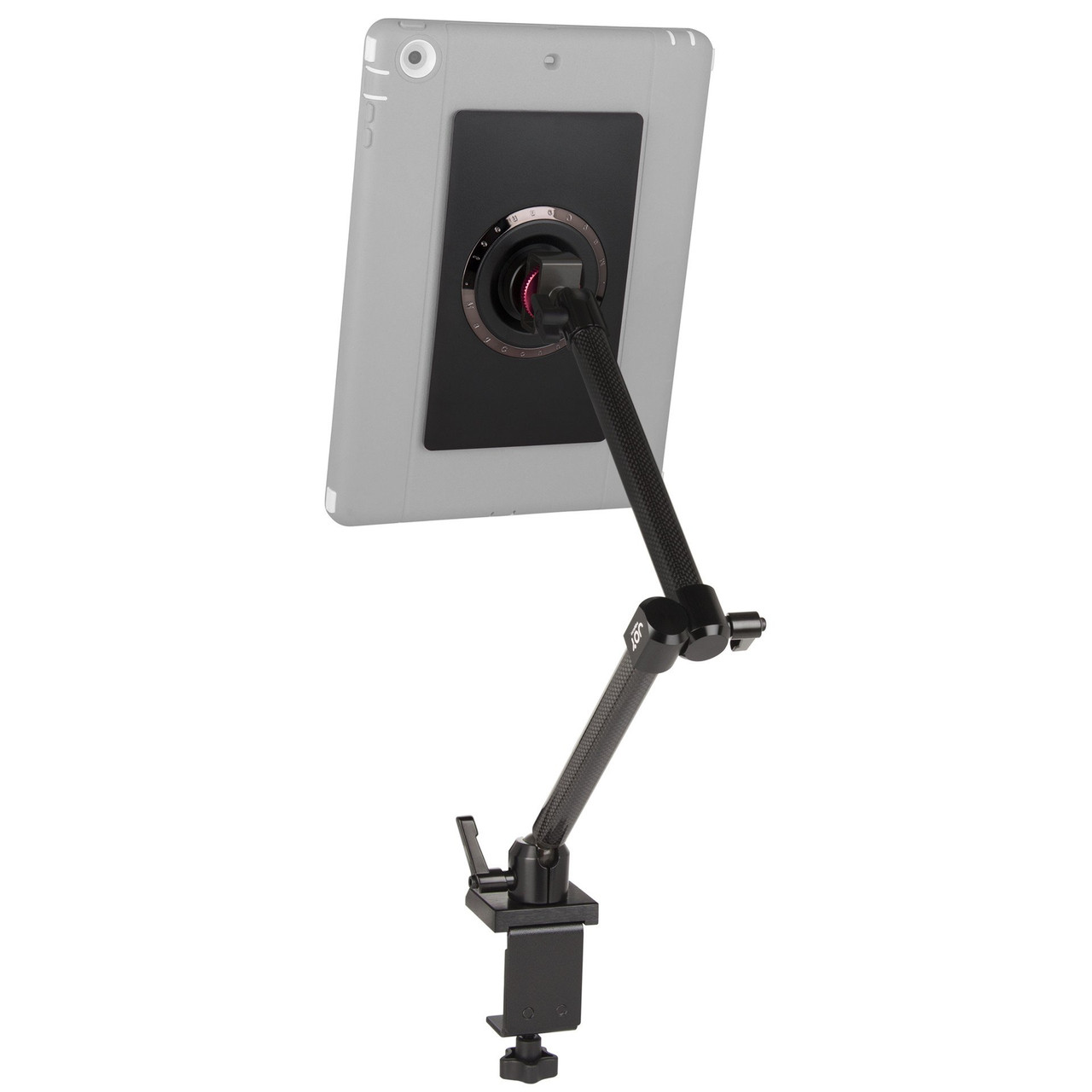
Magnetic mounting system that makes it easy to snap your tablet on and off while keeping it rock solid during rough water. Quick attach/detach is a game changer when you need to move your device between locations.
The most versatile mounting system available. Whether you need a suction cup, clamp, or permanent bulkhead mount, RAM has a configuration that will work for your setup. An industry standard across commercial fishing.
Not sure which option is right for you? Use this table to narrow it down.
| If you need... | We recommend | Why |
|---|---|---|
| Easiest setup & familiar interface | iPad (Cellular) | Built-in GPS, large screen, most accessories |
| Good sunlight visibility on iPad | iPad Pro (Cellular) | 1,000 nits — M4 (both sizes) or 12.9" M1/M2 |
| Best sunlight visibility | Hugerock X70/X72 | 2,600 nits — 2.5x brighter than iPad Pro |
| 12V boat power | Hugerock X70/X72 | Native 12V input, no adapters needed |
| Glove-friendly touchscreen | Hugerock X70/X72 | Designed for gloved operation |
| Rugged & waterproof out of the box | Hugerock X70/X72 | IP-rated, no extra case needed |
| GPS for a WiFi iPad I already own | Garmin GLO 2 | Bluetooth GPS adds location to any iPad |
| Trip planning on a big screen | Desktop app | Mac, Windows, Linux — same account & maps |
The native desktop app runs on Windows, macOS and Linux. Plan trips, review charts, manage pots and gear, and run picks with the heads-up plot on a full-size screen. Same account, same maps, everything in sync — your subscription follows you.
Download for Windows, macOS & Linux
Desktop machines have no built-in GPS: feed position from an NMEA source or a USB/network GPS receiver. See the desktop guide.
Download Bristol Maps and head out on the water with confidence.