Grid Overlay
The grid overlay displays a customizable grid on the navigation page, useful for referencing fishing locations within a district.
Enabling the Grid
- Open the navigation settings menu
- Select Grid options
- Choose a district grid from the picker
The grid will appear on the map as a pattern of labeled squares.
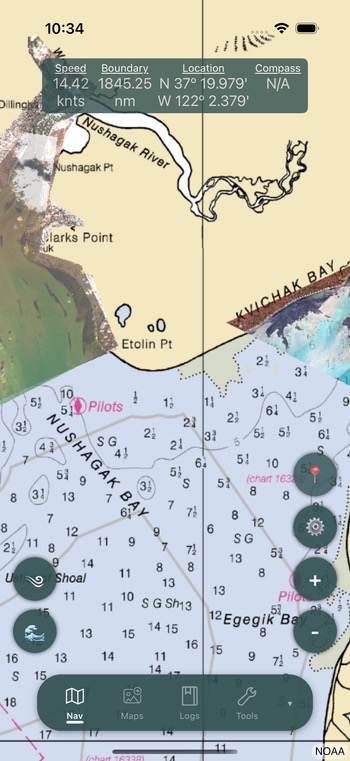
Grid Configuration
| Setting | Description |
|---|---|
| Selected Grid | Choose the district grid overlay |
| Grid Distance | Size of grid squares in miles |
| Hide at Zoom | Zoom level at which the grid automatically hides |
| Color Labels | Toggle colored labels on grid squares |
| Label Font Size | Adjust the size of grid labels (Small to XXL) |
Coded Grid
The coded grid feature allows you to share a specific grid layout with other fishermen using a 6-digit code.
- Enable Coded Grid in Settings
- Enter a 6-digit code to define the grid layout
- Share this code with others so they can use the same grid reference
Info
The first digit is always 0. Digits 2-3 are tied to the grid width. Sharing the same code ensures everyone references the same grid squares.
This is useful for coordinating with your fleet – when someone radios a grid square reference, everyone with the same code is looking at the same location.
Grid Search
You can search for a specific grid square by its label to quickly navigate to that area on the map.