Fleet Chat
Bristol Maps includes a built-in chat system for communicating with your fleet group members. Stay connected across the bay when radio isn’t enough.
Accessing Chat
- Go to the Tools tab
- Select your group
- Open the Chat option
Alternatively, access chat from the group management page.
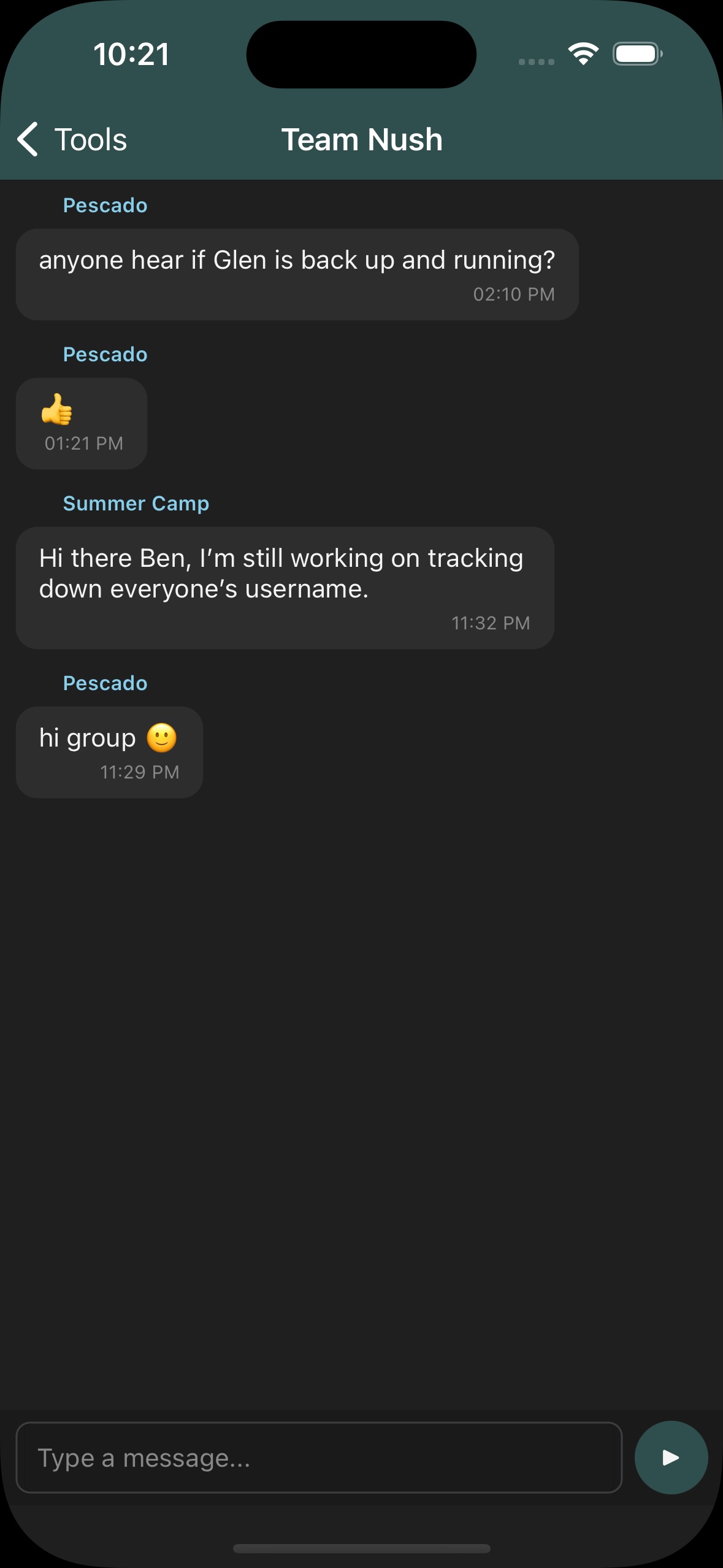
Sending Messages
Type your message in the text field and tap send. Messages are delivered in real-time to all members of the group.
To send a photo or video, tap the paperclip next to the text field and choose Take Photo, Take Video, Photo Library or Video Library. Attachments upload in the background, so you can keep using the app while a large video sends. Tap any attachment in the conversation to open it full screen.
Internet Required
Chat requires an active internet connection. Messages sent while offline will not be delivered.
Features
- Text messaging – Send text messages to your fleet group
- Photos & video – Attach from the camera or your library; uploads continue in the background
- Group delivery – All group members receive messages
- Message history – Previous messages are stored and visible when you reopen chat
- Notifications – Limited notification support for incoming messages
Requirements
- You must be signed in with a Bristol Maps account
- You must be a member of a group
- An internet connection is required