Routes
Routes are multi-waypoint paths that help you plan and follow trips through channels, braids, or between fishing locations.
Creating Routes
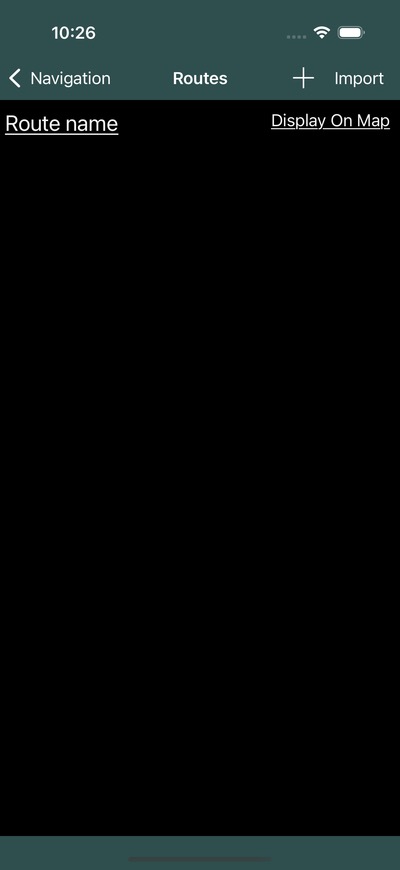
- Open the navigation settings menu and select Waypoints/Routes
- Switch to the Routes tab
- Tap the add button to create a new route
- Select waypoints in order to build the route path
Info
Routes are built from existing waypoints. Create your waypoints first, then assemble them into a route.
Editing Routes
Select a route from the list to edit:
- Name – Update the route label
- Description – Add notes about the route
- Waypoints – Reorder, add, or remove waypoints from the route
Display on Map
Routes appear as connected lines between their waypoints on the navigation page. Toggle route display from the navigation settings menu.
Sharing Routes
Routes can be shared with your fleet through Groups:
- Go to your group settings
- Select Share Routes
- Choose which routes to share
When sharing a route, the individual waypoints for the route are also shared with group members.